

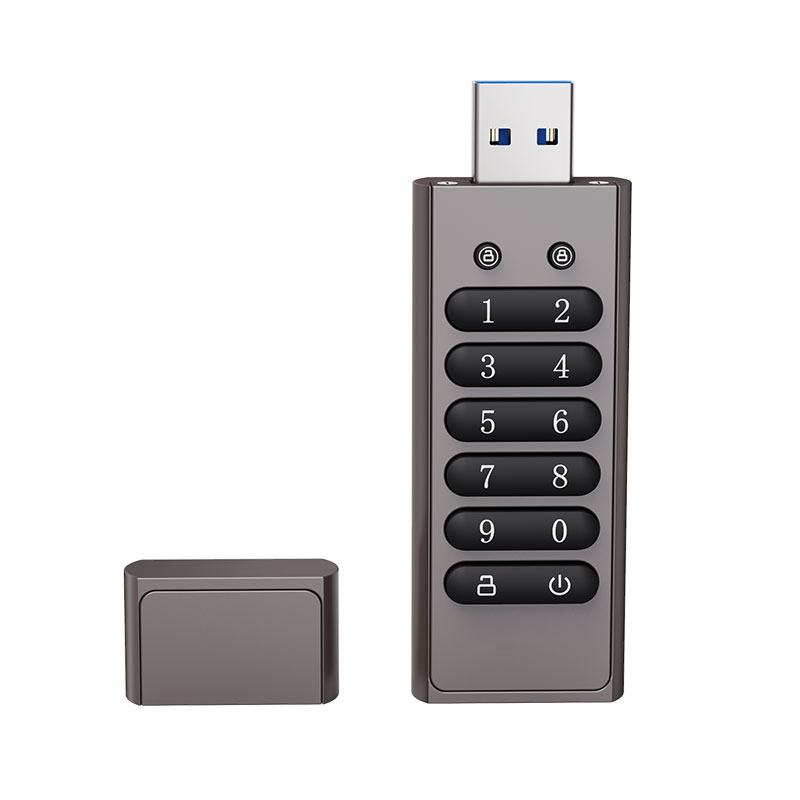
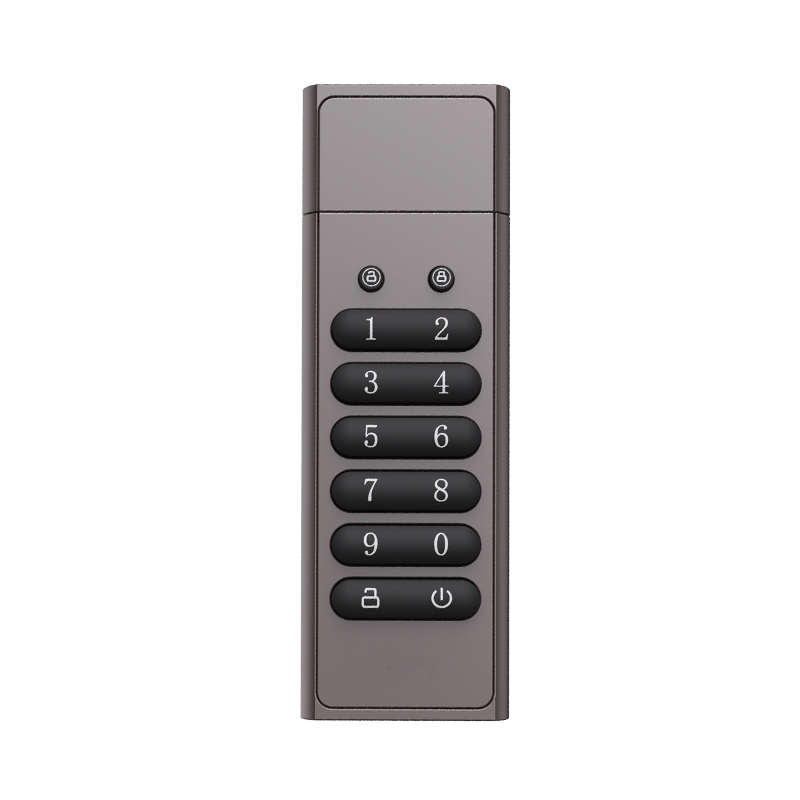
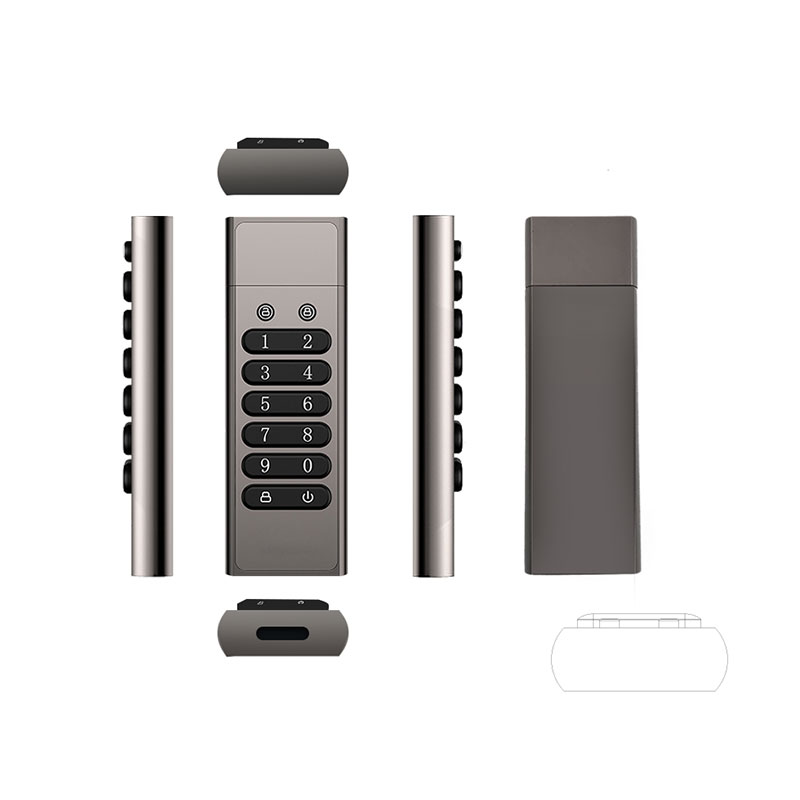
Encrypted USB Drive
Hardware Encrypted USB Drive for Secure Data Storage | OEM & Custom Logo Available
Advanced hardware encryption technology designed to protect confidential data for businesses, organizations, and professional users worldwide.
1. How to Use
Initial PIN
1122334
Usage
- Press the power button for 3 seconds (Red LED on).
- Enter the PIN (Red & Blue LEDs blink once for each valid input).
- Press the key button to unlock (Blue LED on).
- Connect the flash drive to the PC — it will be recognized automatically.
- Disconnect the flash drive — the device will be encrypted immediately.
Remark: The flash drive can also be unlocked after it is connected; the method is the same as above.
Change PIN
- Unlock the flash drive (Blue LED on).
- Press the key button (Red & Blue LEDs blink once).
- Enter a new PIN (6–15 digits; do not use sequential digits like
123456or repeating digits like888888). - Press the key button to confirm (Red & Blue LEDs blink once).
- Re-enter the new PIN and press the key button again to confirm (Red LED lights up for 3 seconds, then Blue LED turns on).
- The new PIN has been successfully changed.
Key Features of the Encrypted USB Drive
- The flash drive will automatically lock after 30 seconds if it is not connected.
-
If an incorrect PIN is entered 7 consecutive times, the red and blue LEDs will blink. After 10 incorrect attempts, the flash drive will reset to factory settings. All data will be permanently erased, and the PIN will be reset to the initial PIN (123234). To reactivate the flash drive, press the power button for 3 seconds, unlock it using the initial PIN, connect it to a PC, and then format the drive.